
Local development and CLI
Bring an existing application into a Web Frame without confusing the canvas with your repository.
On this page
Start from a working application
First confirm your application starts normally using its own development command. Then use the Visual Wizard CLI setup for your project to connect the running application. Keep its terminal running while you work.
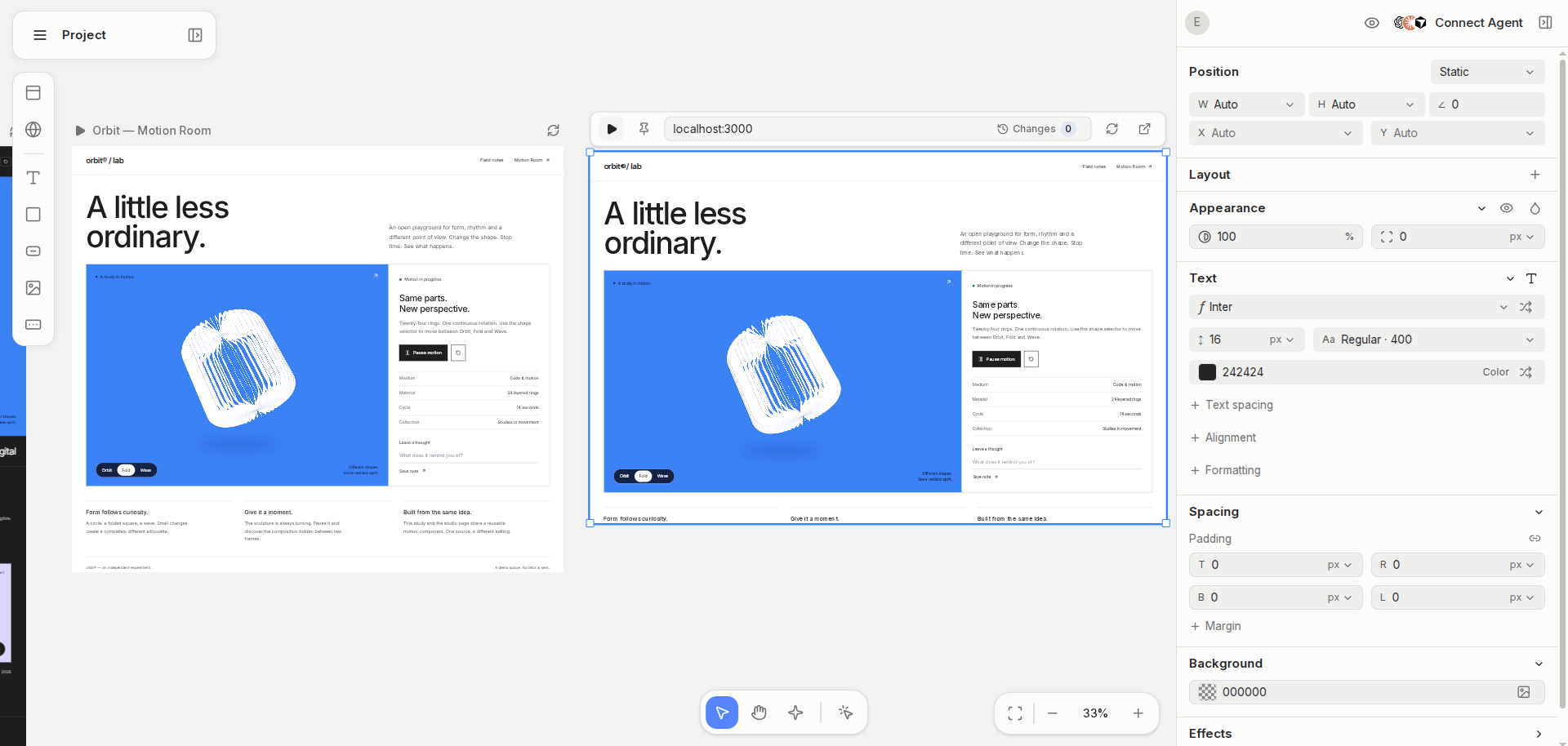
Open the application on the canvas
Use a Web Frame for the connected app. Confirm that the expected page renders and the element hierarchy is available before asking for changes.
Review changes at the source
Treat a runtime experiment and a repository edit as distinct steps. Ask your connected coding agent to apply the intended change, inspect the diff and test the application. Do not add a development script to production just to reproduce the canvas integration.