Welcome to Visual Wizard
Learn the workspace, make your first visual edit, and bring an agent into the same project.
On this page
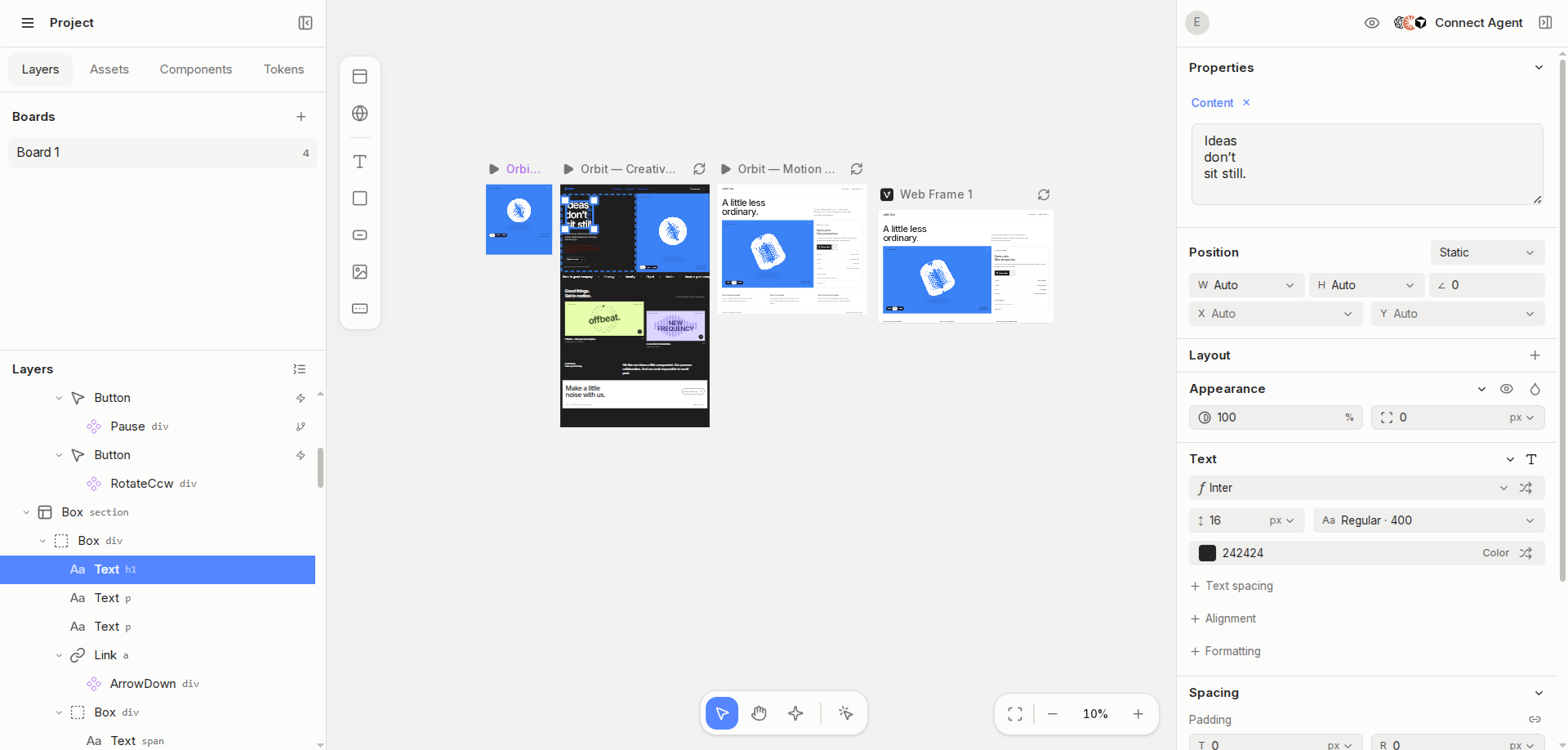
One canvas. Two ways to begin.
Use a Design Frame to build a working React prototype, or a Web Frame to bring a running application onto the canvas. They share visual tools, but their source workflows are different.
- Board
- Organizes frames in a spatial workspace with its own camera position.
- Design Frame
- Contains editable React source. Supported visual edits are written back to that source.
- Web Frame
- Shows a running application. Runtime edits and applying changes to your repository are separate steps.
- Agent
- Works with explicit frame and selection context through the available tools.
Start with a small, real interface
A heading, a button and a card are enough. Make one visible change, inspect its source, then try the result in Interact.
Find your way around
Boards and Layers live on the left. The canvas stays in the center. Style controls and agent tools work with your current target. You can collapse panels and keep selecting elements directly on the canvas.